Designing trust for a system that never stops listening.
Lead Product Designer · 0 to 1
End-to-end · research to shipped v1
Mobile eng · hardware eng · AI · product


Most apps function without full permissions.
CAIPO doesn't.
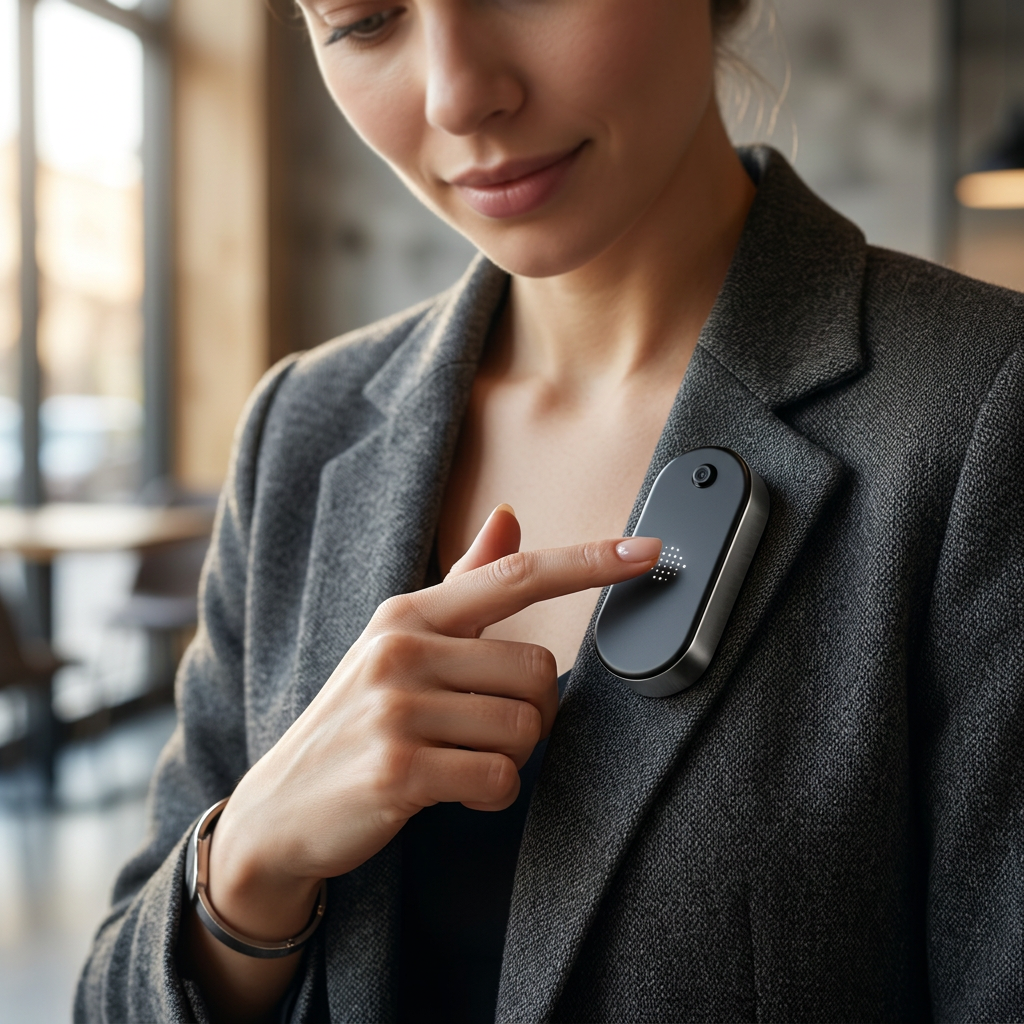
For CAIPO to work, users have to turn on always-on listening. Without it the product does nothing at all. People understood what it did. They just didn't trust it enough to say yes.
The concern wasn't confusion. It was discomfort.
"Is it recording me all the time?"
"When is it actually listening?"
"Can I turn it off easily?"
"How do I know what it captured?"
Every question was really the same question: can I see what it's doing, and can I make it stop.
People don't say no to always-on because they don't get it. They say no because it doesn't feel like something they can control.
Three approaches before the right one.
Granular Controls
More options without context created paralysis, not clarity.
Better Privacy Explanation
People understood the product better. They still didn't enable capture. Understanding and trust are different things.
Reactive Indicators
Random flashes of activity felt more unsettling than silence. Users wanted a constant state, not a surprise.
We kept trying to fix the moment of permission. The actual problem was everything that came before it.
Three decisions. Each one earned.
Value-First Sequencing
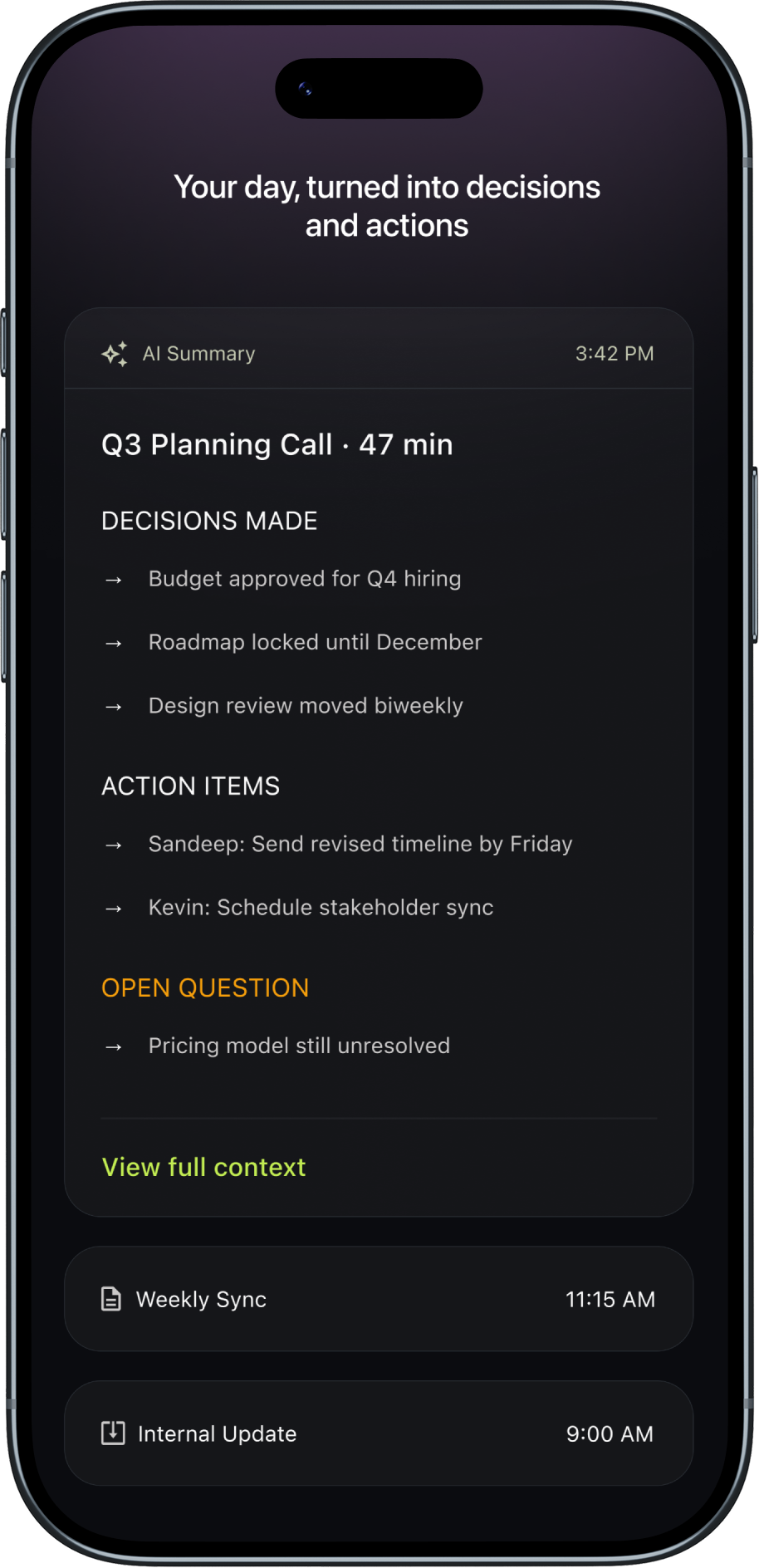
Show what the product produces before asking for permission. The consent screen moves to after the preview.
Install → Consent → Product
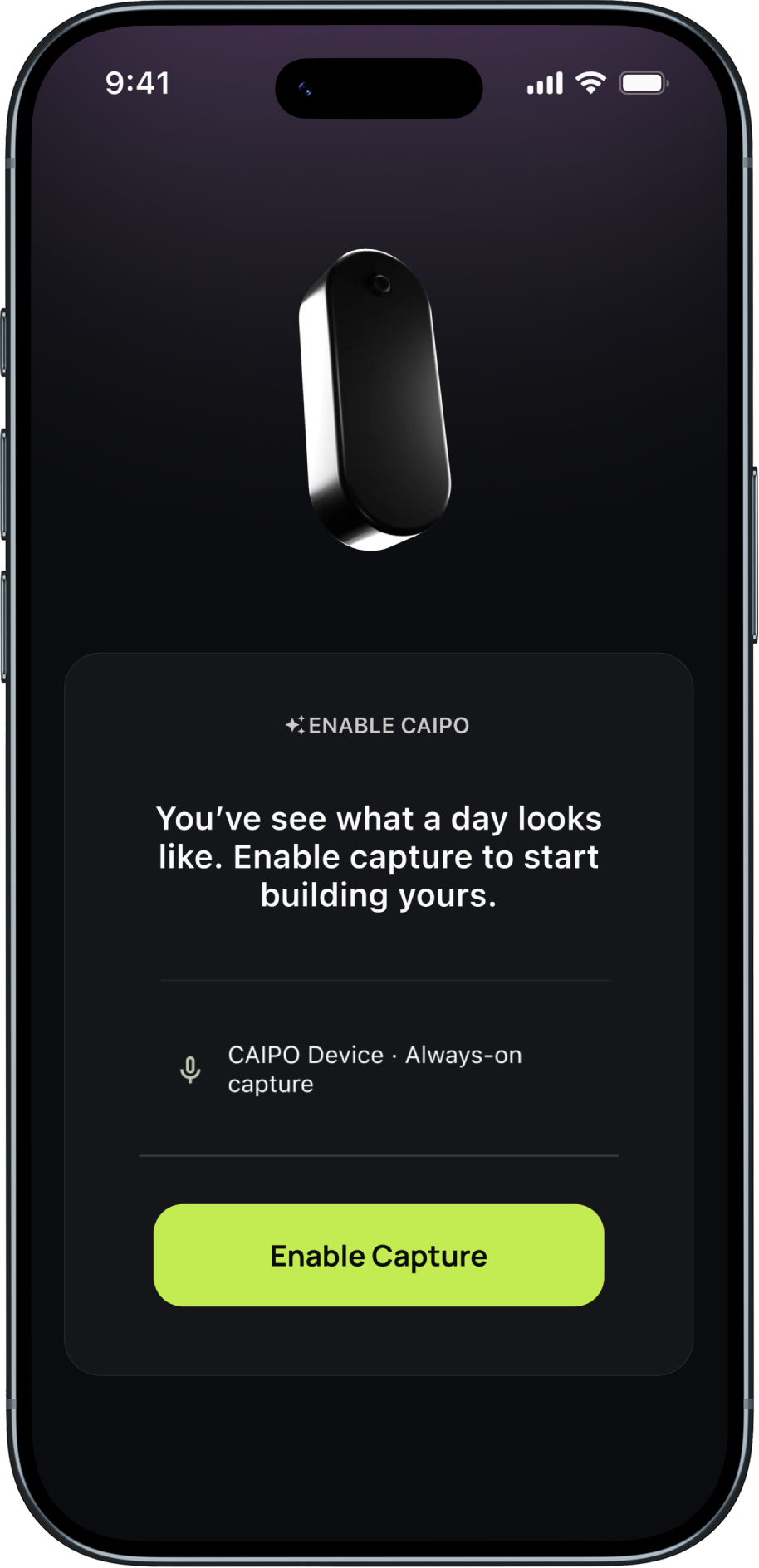
Install → Preview → Consent
One extra step before consent. Tracked Day 3 retention to prove the friction was worth it.

AI output shown first

Consent after preview
Persistent Capture State
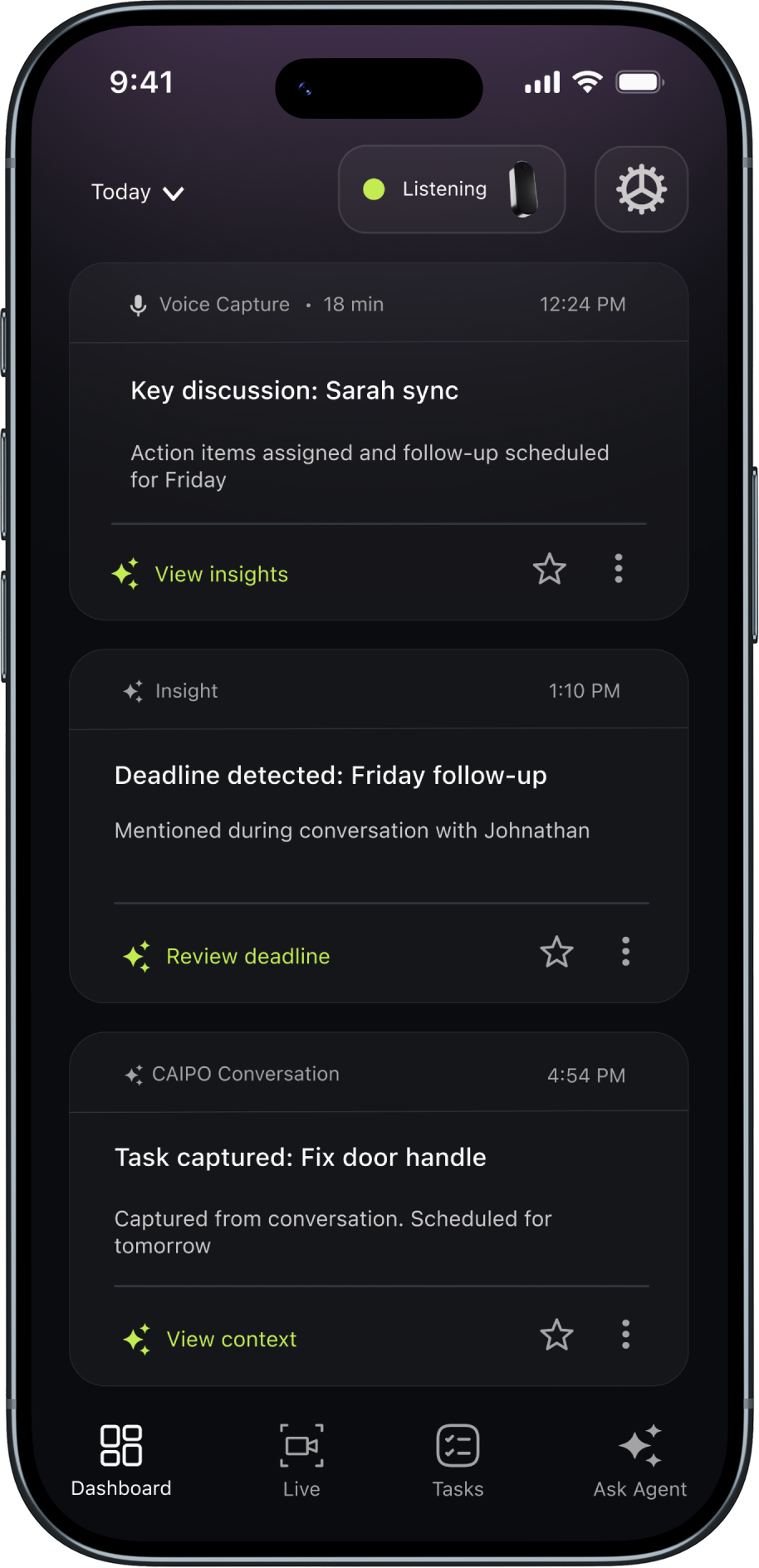
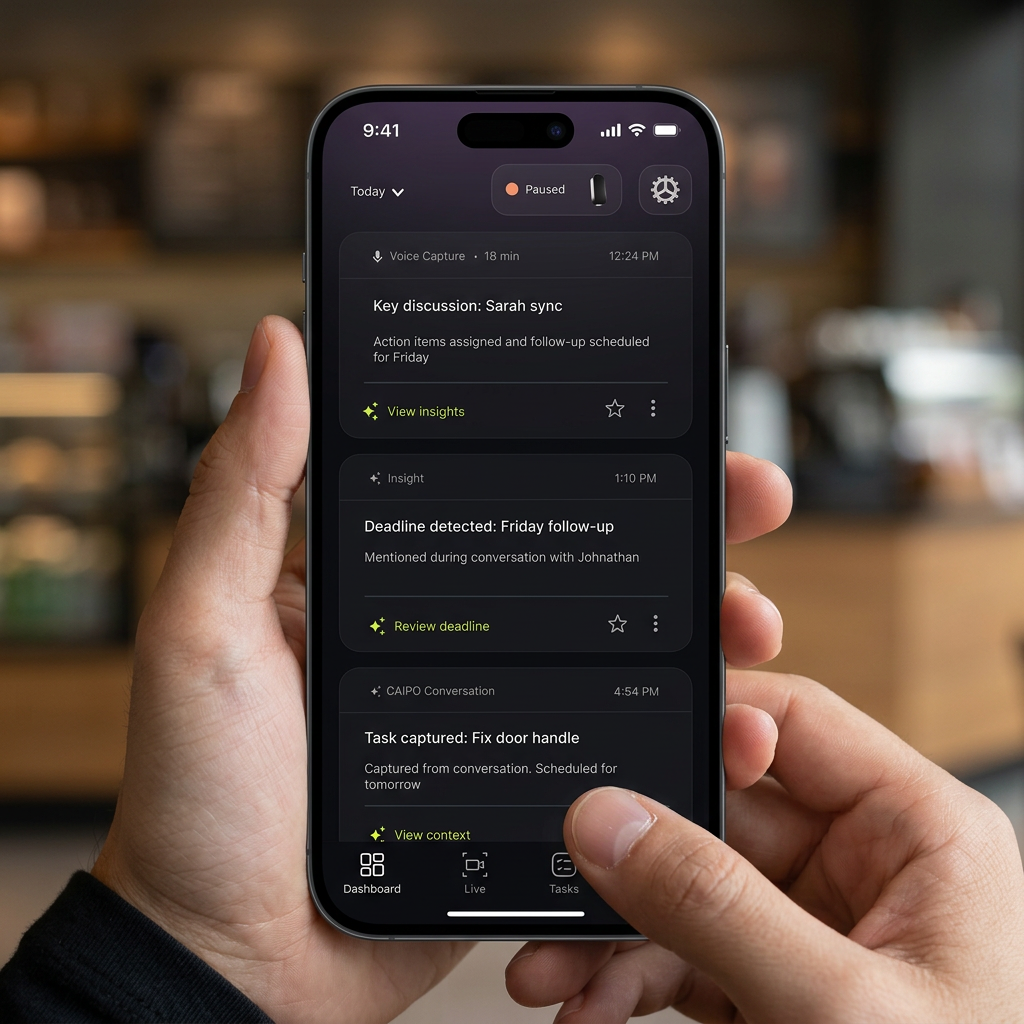
A status chip at the top of every screen. Always visible. Answers the question users kept asking: is it on right now?
Permanent top-bar real estate. A chip that only appears while capturing would create a new ambiguity.

Listening

Paused

Muted
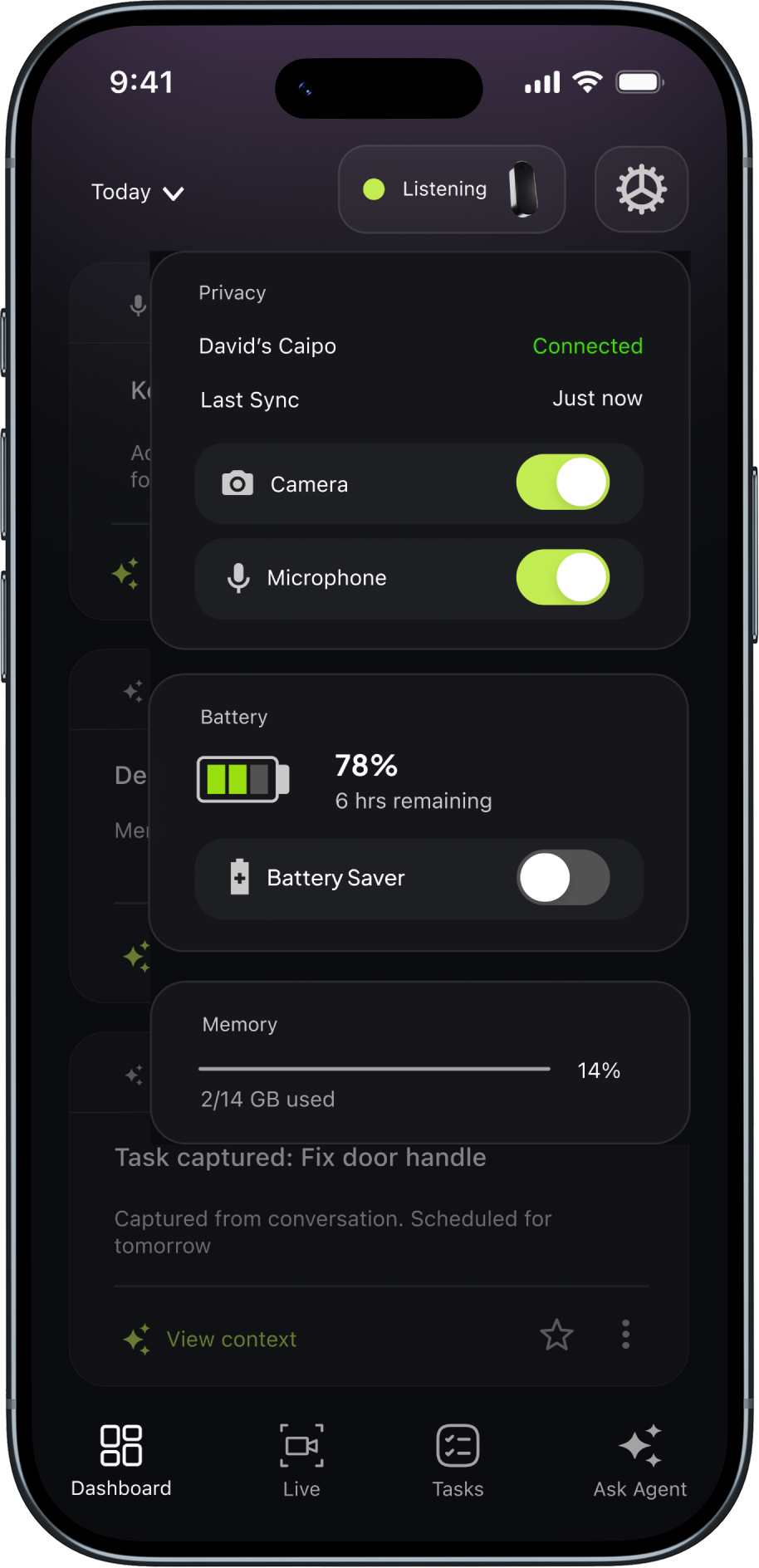
Device Control Center
If exit feels hard, users assume they can't leave. That breaks the whole model.
Tap chip · control center opens · pause in one tapNobody finished the pilot unsure whether their device was on.
That was the one thing I really needed to get right.
0%
Viability threshold was 50%. Including participants who pushed back hardest on privacy.
0%
People stayed. The product kept earning their trust after setup.
0%
Using pause means people felt safe doing it.
Users who paused, came back.
"I kept waiting to feel uncomfortable about it. I never did. I think it was because I could always see what it was doing."
These were people who already knew the product. The real test is with someone who starts out skeptical.
Three moments where the right call wasn't obvious.
UI state and hardware state were out of sync by two seconds.
Paused
Still capturing
Two seconds where both are true at once
Making pause feel safe to use, not risky to tap.
2 taps, confirm dialog
1 tap, instant
Scoping the onboarding preview to what actually shipped.
Not shipping
Delivered
Three questions before I'd scale this.
Does this hold for users who arrive skeptical?
Everyone in this pilot already knew the product. The sequencing fix likely has less leverage with someone who distrusts the category entirely.
Does the chip become invisible after a few weeks?
Habituation is real. A chip that users stop registering is no longer doing its job. You'd need 90 days of data to know.
Users see when capture happens. Not what the AI keeps.
Visibility into device state is one layer. Visibility into model behavior is the harder, more important next one.
Making AI behavior readable.
The chip tells you the device is on. It doesn't tell you what the AI keeps, what it skips, or why. That's the next trust layer to design for.
In systems that require ongoing trust, sequencing determines adoption more than explanation.
I went in thinking this was a privacy problem. It was a sequencing problem. The fix wasn't a better explanation of what we were doing. It was changing what users experienced first.